

I was disappointed in some of the prior applications that I use to create slide presentations. I wanted to create an editable PowerPoint or Google slides presentation. AI does not always give you what you want. Therefore the ability to edit is critical. There’s nothing worse than continually typing text prompts and getting the wrong answer time and time again when a quick edit will fix the problem.Magic Slides enables the creation of a native PowerPoint file.
I fed the exact same prompt as in the prior blog about AI sales productivity. Magic Slides created the presentation as a native PowerPoint file. I was able to download it to PowerPoint on my iPad . Magic Slides requires about a seven dollar per month subscription to be able to use it. If I were still managing a sales team, it would be seven dollars well spent.
The following link demonstrates the new PowerPoint. I like it much better than the Notebook LM process. Although the notebook LM process still has many use uses.
Here is the final result. I have not edited it because I wanted you to see the original production.

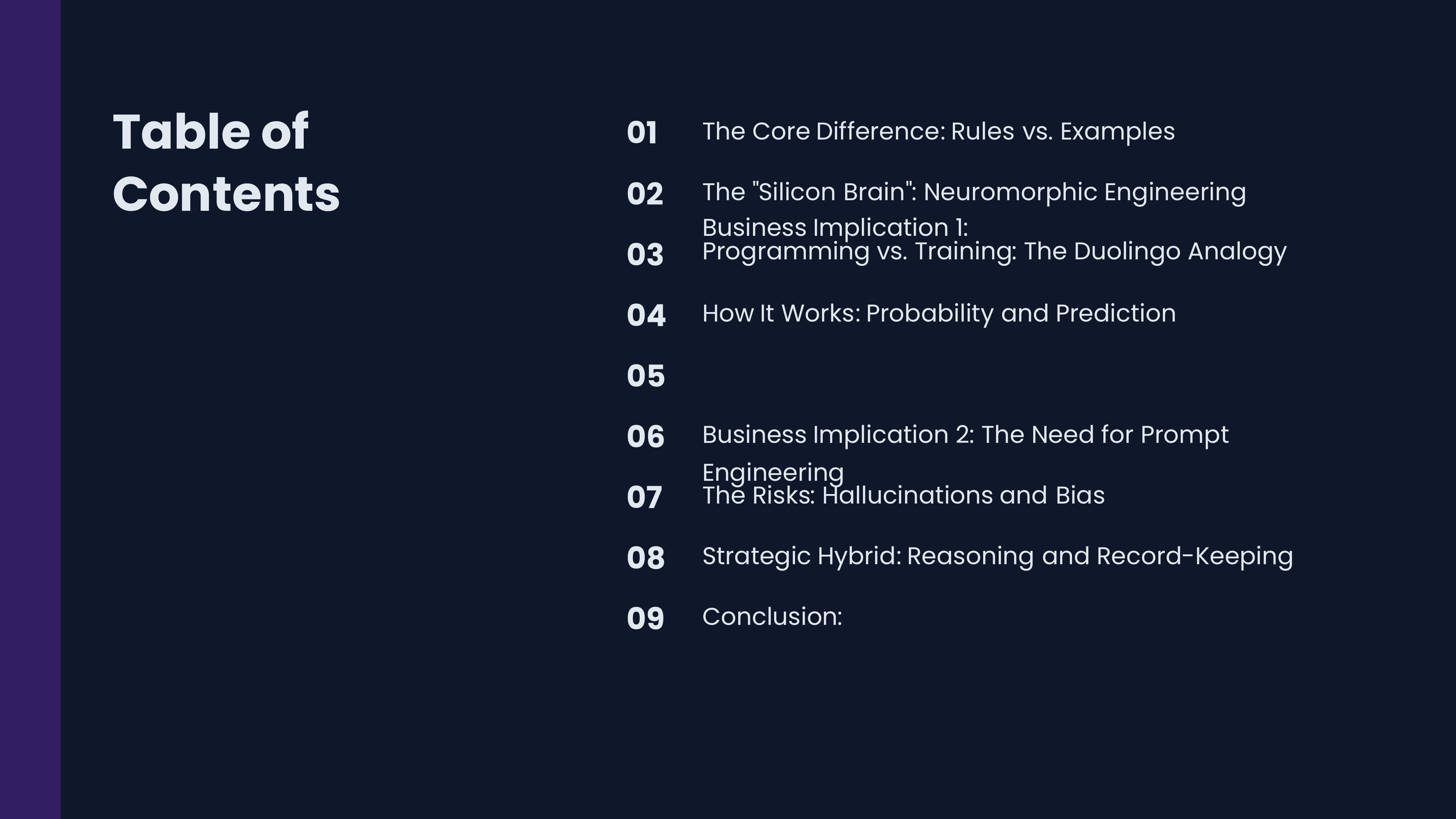
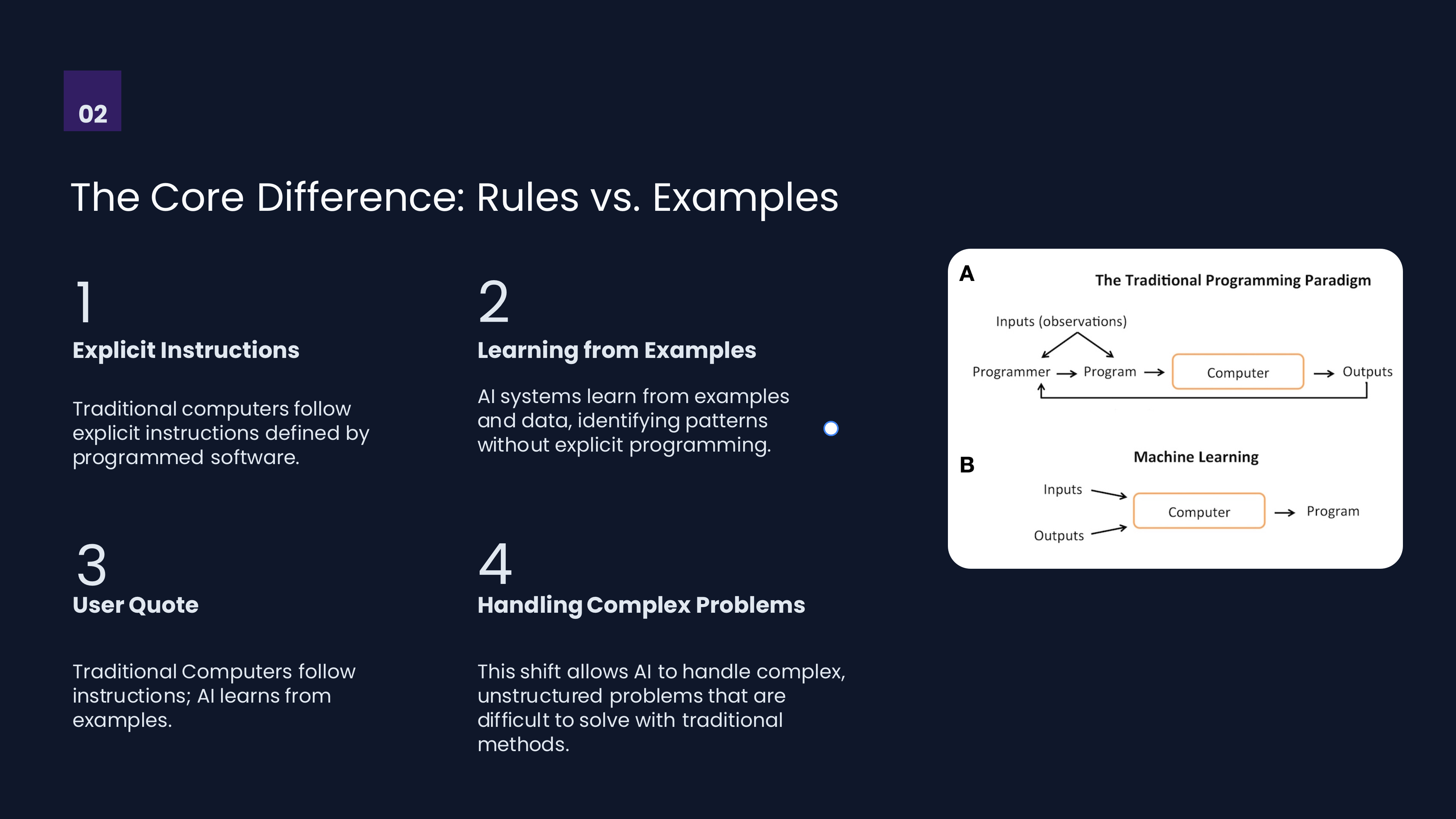
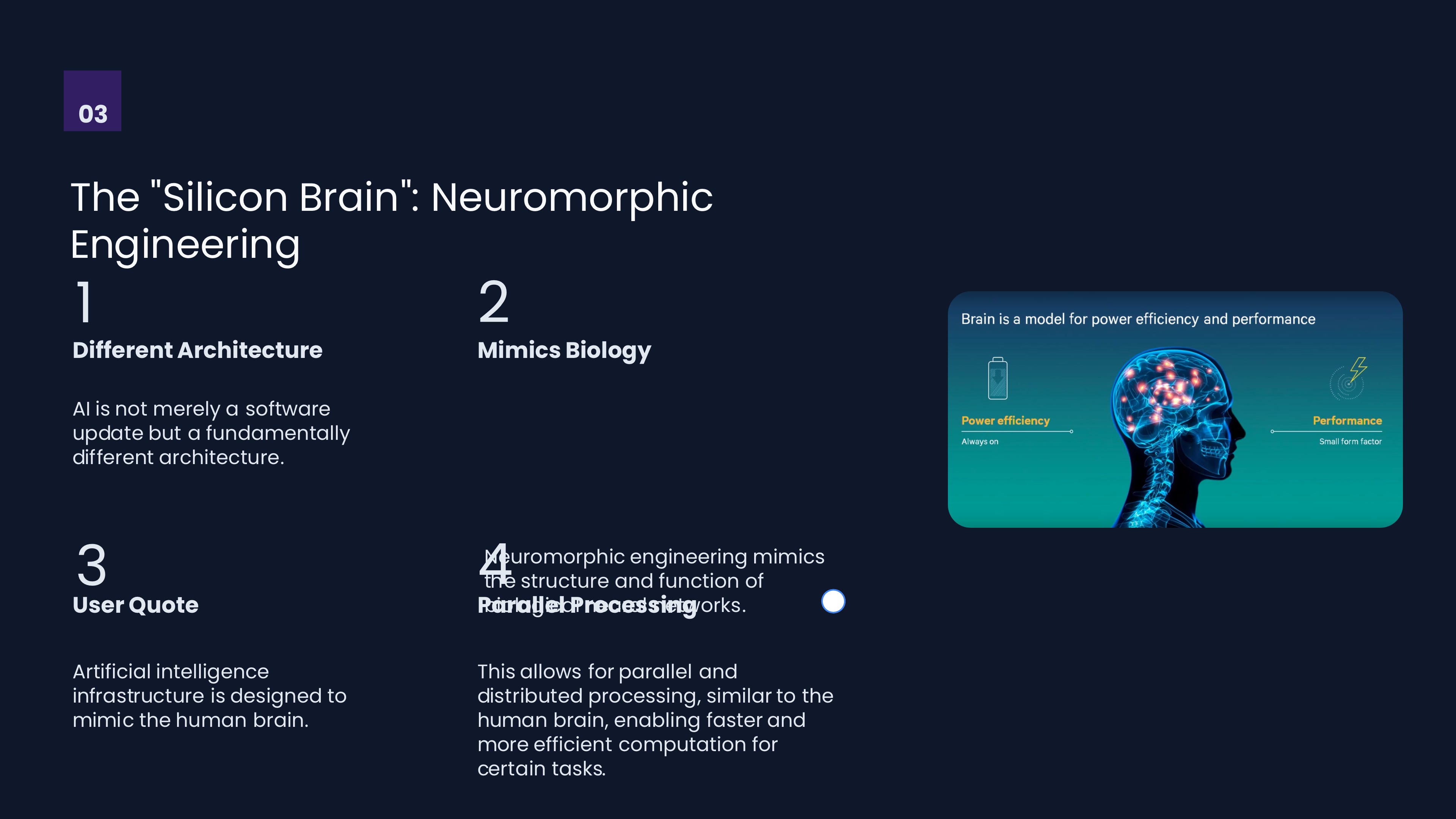
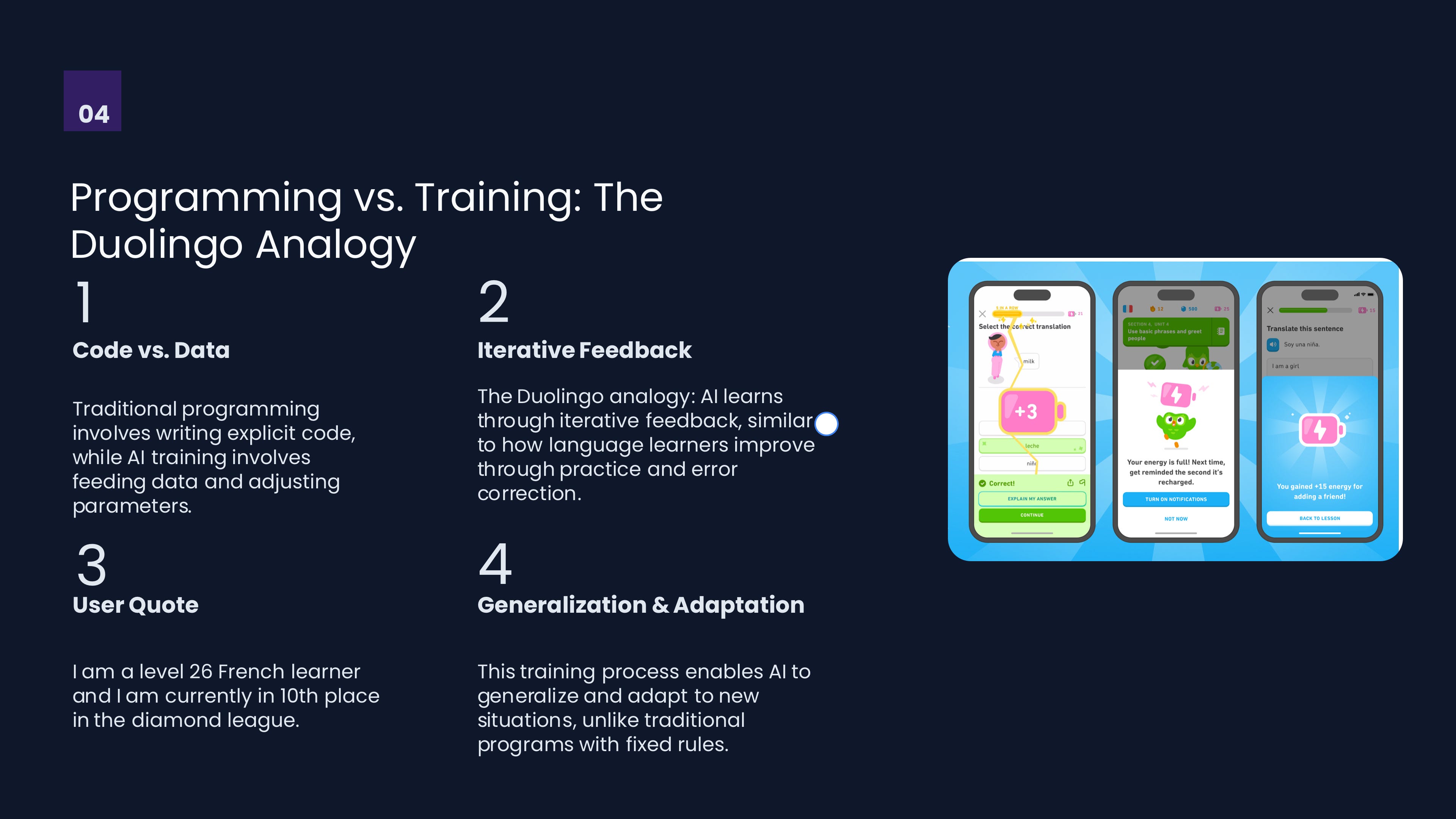

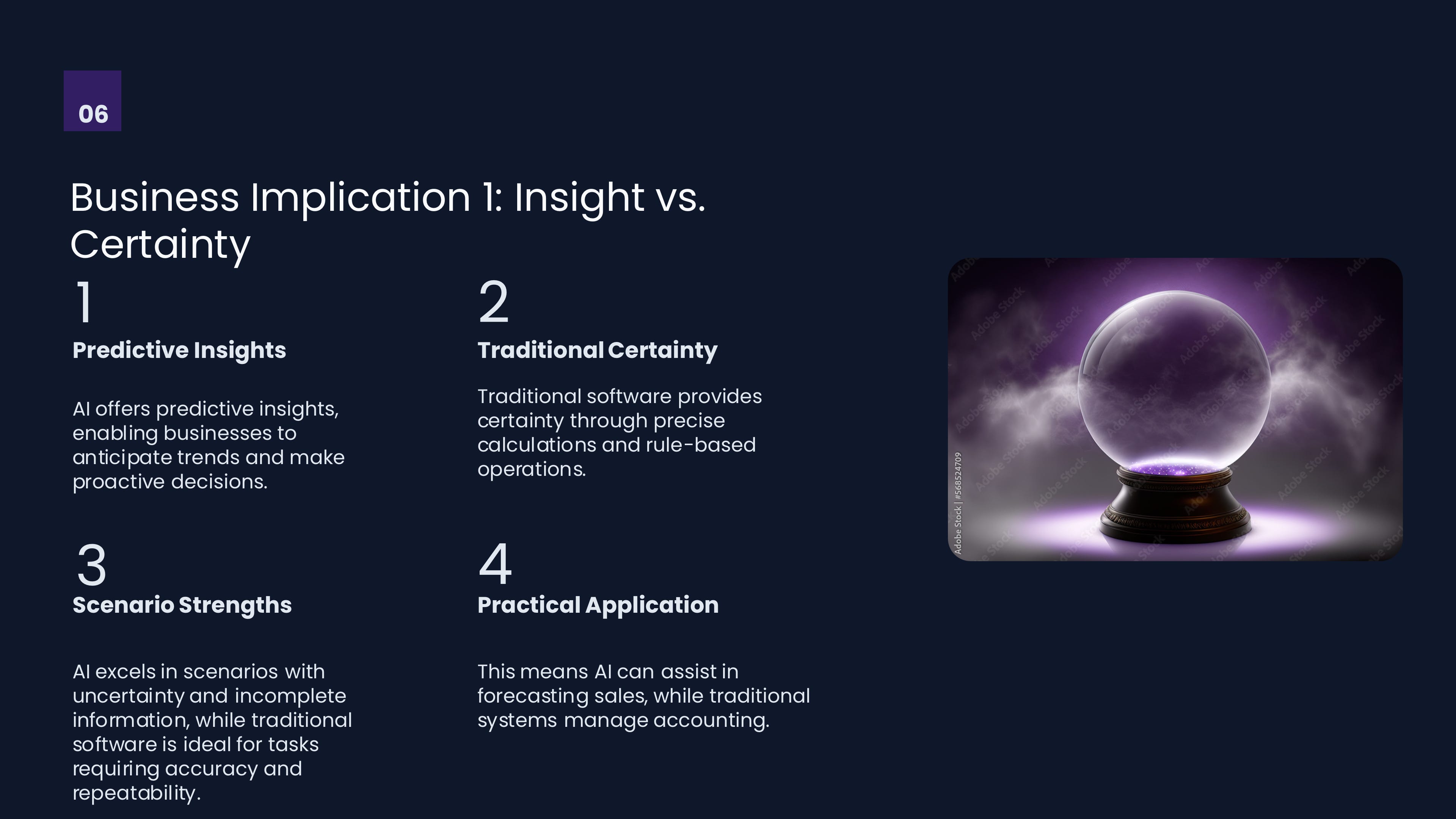
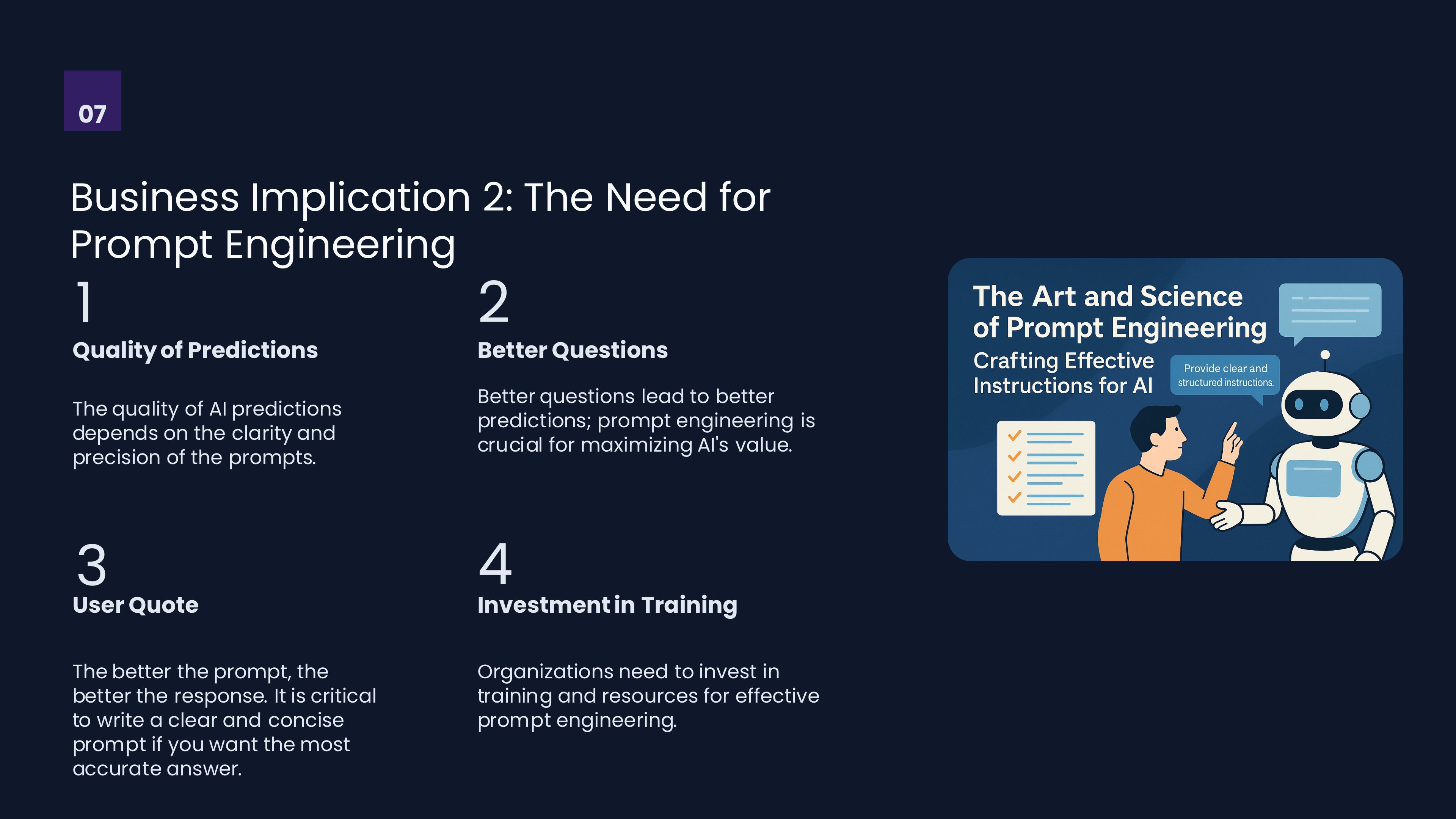
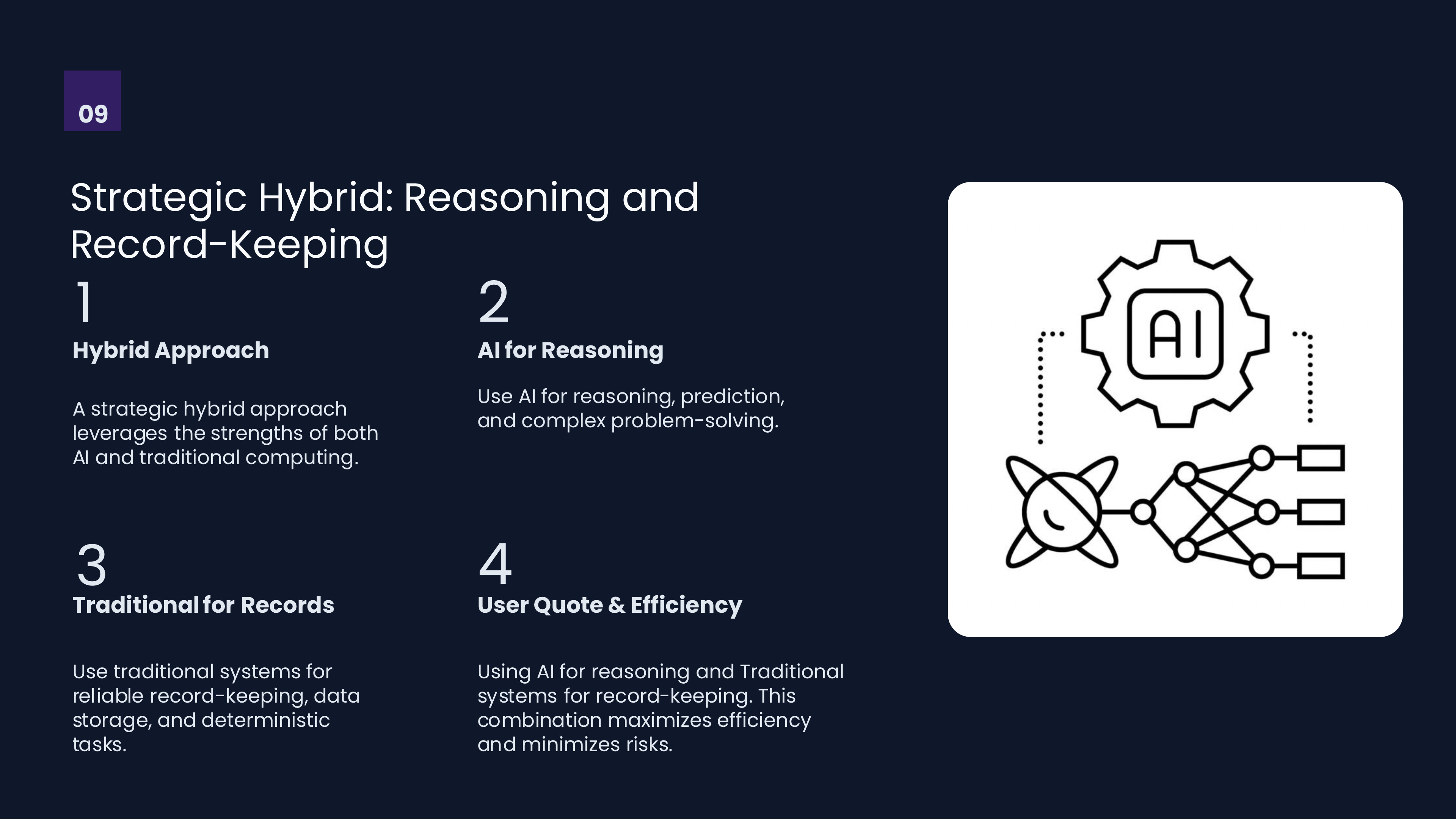

If you notice there’s a difference between the table of contents numbering of the slides in the actual slide numbering. I left it like that so you could see the need for review of these slide slides before them into final production. However, since I have the native PowerPoint file, I can edit it myself as opposed to having to redo the whole presentation all over again through additional text prompts.
In summary, this application allows you to create PowerPoint files. It also will allow you to create Google slides files. There are ways to add your own branding identity to the product through the creation of special templates. It takes some practice but once you figure it out, it’s not that difficult. I’m going to continue to pursue using this product because I think it has some real advantages.