I decided my next step in testing AI marketing would be to create a branding template for a PowerPoint presentation. This includes designing a logo. This blog details the time, applications, and money that I spent developing this logo.
I have a sub stack called Tech Wolves. I post articles about artificial intelligence, business strategies, entrepreneurism and any other thing I feel like writing about. I created a few images on Procreate that I could use for the website. I like them, but they certainly were not proper for a professional logo. Therefore, I decided to develop a more professional logo by using artificial intelligence LLMs, drawing apps and artificial intelligence based image generation systems.
Starting Point
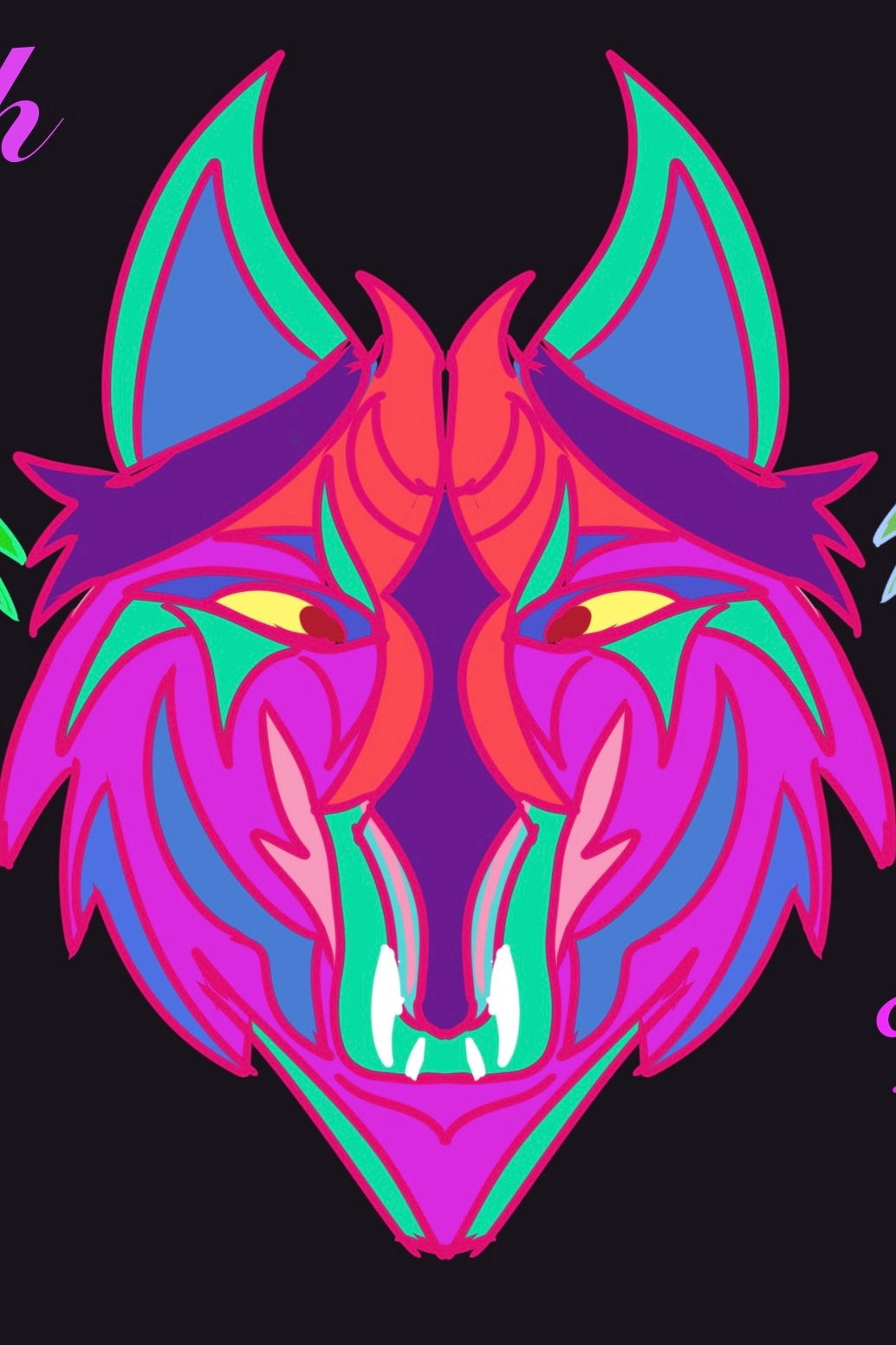
I had a basic image that I created on Procreate. It is an image of a psychedelic wolf with bright cyberpunk style colors. I had a fun time drawing it and I thought it looked cool. I also wanted it to reflect an unpretentious and reality based view of the current technical stratosphere. The industry is edgy therefore so is the logo.
However, the image is not good enough for any serious marketing. It needs to be converted into a professional logo that meets branding and printing standards. For example, you have to have a vector version for any kind of serious printing or other graphic outputs. so I developed the following workflow. I’m going to go through every step that I took to create the final product. I will show iterations that occurred along the way.
Base Image
Step 1 Tools and resources
There is no possible way that I could create this logo by just inputting text into an image generation model. Even though many of them have reference photos and other mechanisms to increase accuracy, they are not consistent enough to create a brand product. I could never get exactly what I want. Therefore, I assembled the following tool kit to help me navigate this process.
The tool kit consisted of Gemini AI , Procreate , Photoshop on the iPad and Adobe illustrator on the iPad for drawing programs and Google flow and OpenArt.AI as AI image generation model models.
It was important that I had a reference image at the beginning of the project. This had the basic idea and the color patterns in place at the beginning of the generations. I do not think I would have developed a functional final product if I had started from text. I collaborated with Gemini to create the first prompt for the AI art generators. Gemini reversed engineered my drawing to create a prompt. Then it refined the language to put the correct technical terms in to get the look I wanted. I do not know how this would have turned out without a basic reference photo to start from.
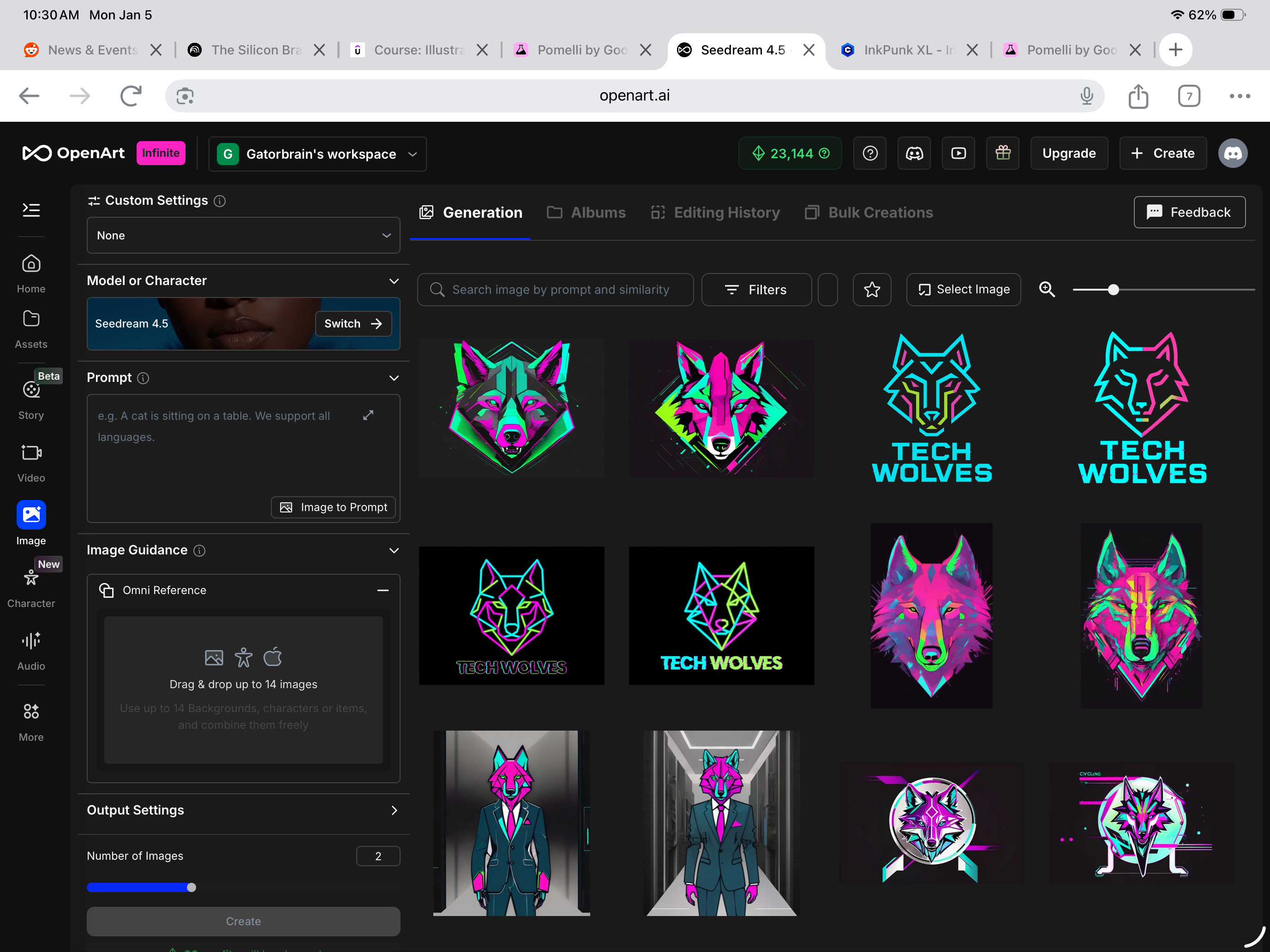
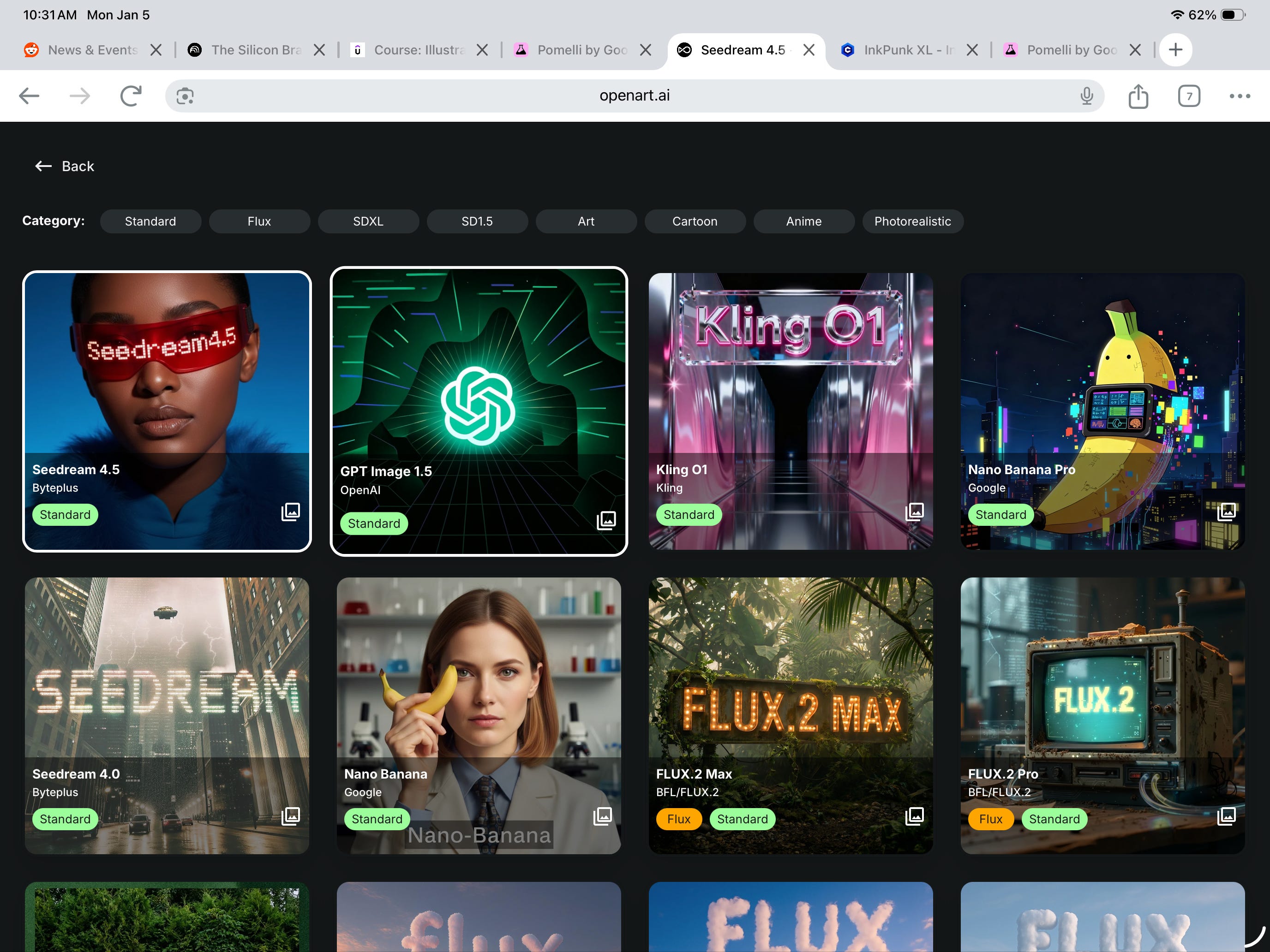
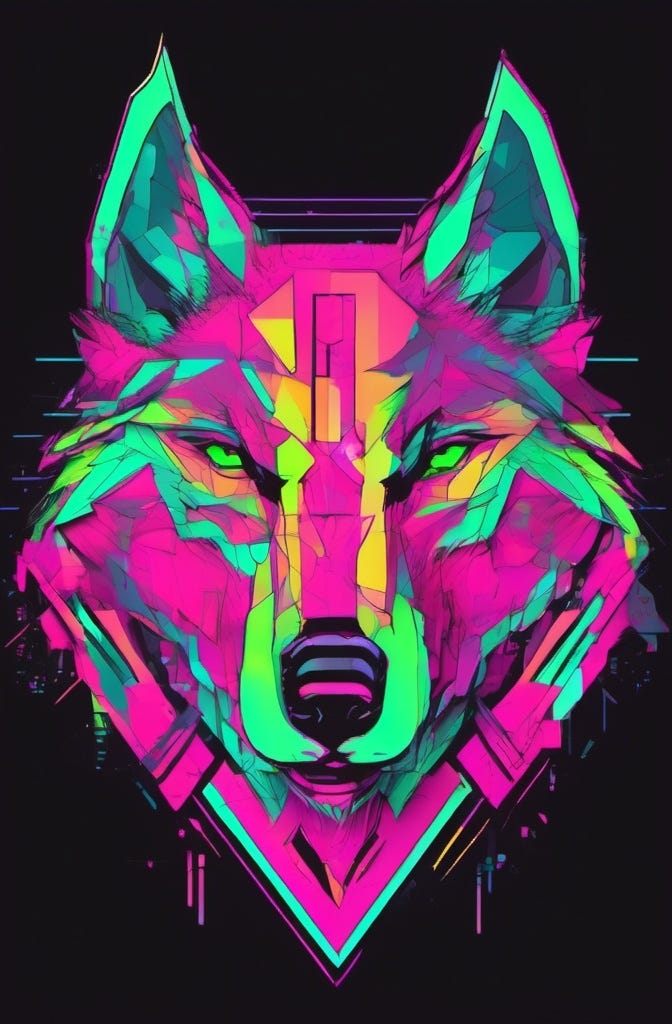
I used Open Art.ai and Google Flow to create the next round of logo designs. Open art offers you access to multiple models from the same interface. This includes Google Nano Banana. The advantage is that you can compare side-by-side different outputs. I fine tuned the prompt throughout the process. I have included a gallery of all the iterations. I finally chose the output from InkPunk.XL. Google flow is a useful product, but it is limited by the number of models you can use.
Open Art Interface
· Once I had the base image I had to integrate it into a logo. Once again, I used Gemini as a consultant. I also used the AI that Udemy Incorporated into it’s Adobe illustrator on iPad training course. The tools that I used were Adobe illustrator on iPad, Photoshop on iPad, and Procreate. I will detail the workflow between these products in another blog. However, the basic process is to create a design on Adobe illustrator while using Photoshop on the iPad and Procreate to fine tune the details.
Image Development Gallery
Final Logo Image
The above image is the base for the logo
I created multiple iterations of the design. I would upload each design to Gemini. Gemini would suggest revision based upon logo best practices. It also identified areas that were more difficult for me to see. We went through at least ten iterations. I used the Udemy AI to help me with the Adobe products. Whenever I would get stuck, I would ask it for directions on how to properly perform the action. Eventually, we settled upon a final logo. The following gallery shows the iterations that I went through.
Logo Development Gallery
Logo Image Gallery
Final Logo Master
I decided on a white background because I could modify it as needed. This serves as a master. Below the logo is a copy of it on a black background.
Black Back Ground
Summary
I want to make it clear that I’ve never been a graphic designer. I was a CEO and a decent network engineer, but I’ve never done any graphic design. Of course, I played around with PowerPoint and all the other tools you need when I was running a company. However, I never had the time to get very good at any of them.
These AI tools enabled me to create a basic logo that I could use for my website. It would’ve cost me thousands of dollars and weeks of time spent going back-and-forth with a designer to finish the logo.. I was able to do this in about 4 to 8 hours. If I knew what I was doing I could’ve done a lot quicker. I was often learning as I went along and needed to take time out to figure out how to make the next action work.
The next step is to create a branded PowerPoint template using the new logo . I believe that these products will make it much easier for a small company to compete with large companies. It reduces the resource requirements required to have an excellent marketing campaign. I would encourage you all to continue to look at these products and figure out how you can use them in your organization.
I am going to upload a video of I used Adobe illustrator to create the final design. It will show you how simple this can be. I hope this gives you some ideas about how you can use this for your own needs.
I agree with you that AI can enhance your creativity if you quide the process. However , if you let it do your thinking for you it might not work out so well.






I agree with you that AI can enhance your creativity if you quide the process. However , if you let it do your thinking for you it might not work out so well.
I appreciate your thoughtful comment